Journal
The Journal is a running diary of everything that happens in your garden. Many entries are created automatically — when you water, sow, harvest, or end a planting, the app logs it for you. You can also add your own observations at any time.
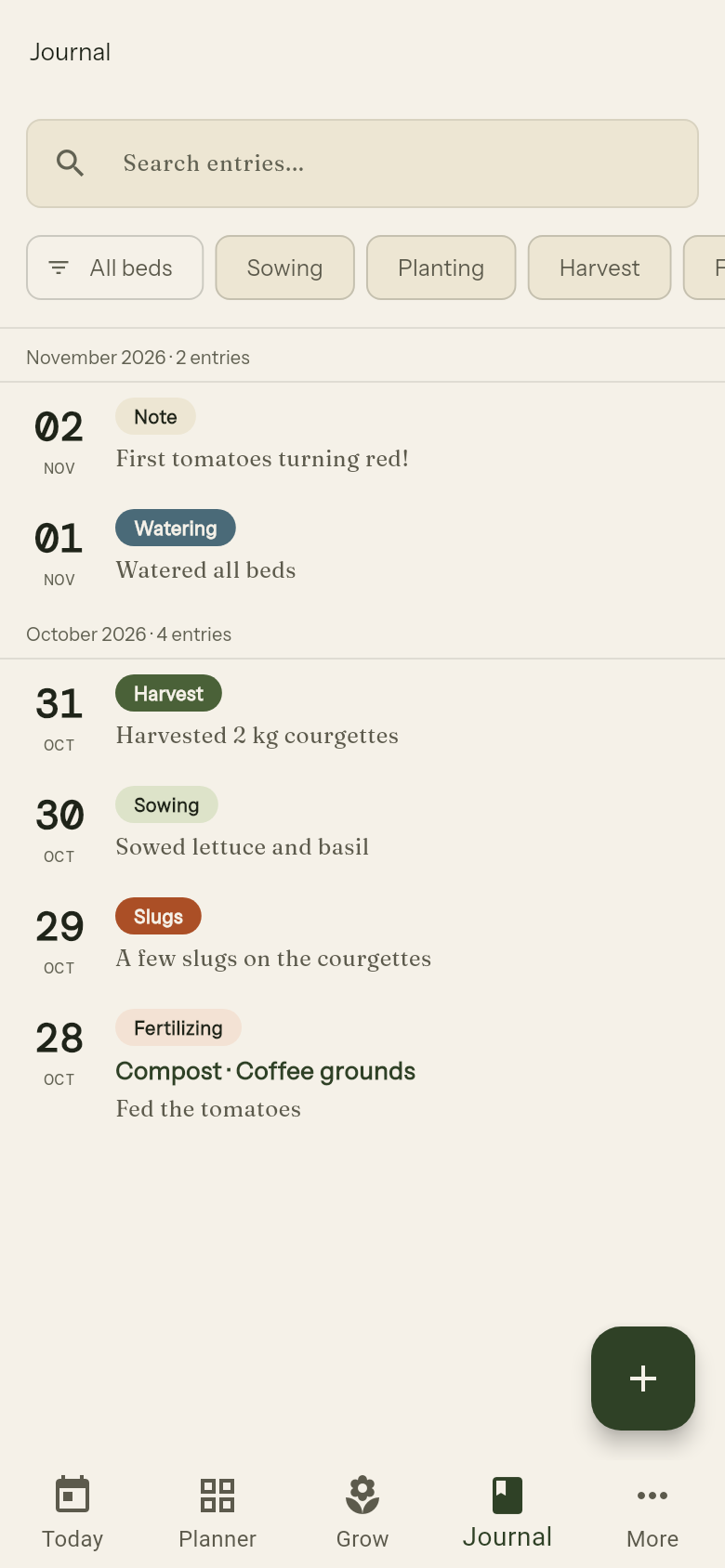
Browsing entries
Entries are grouped by date, newest first. Each card shows the tag, the linked bed (if any), and the first few lines of the note.
Tap an entry card to read the full note and view any attached photos.
Adding an entry manually
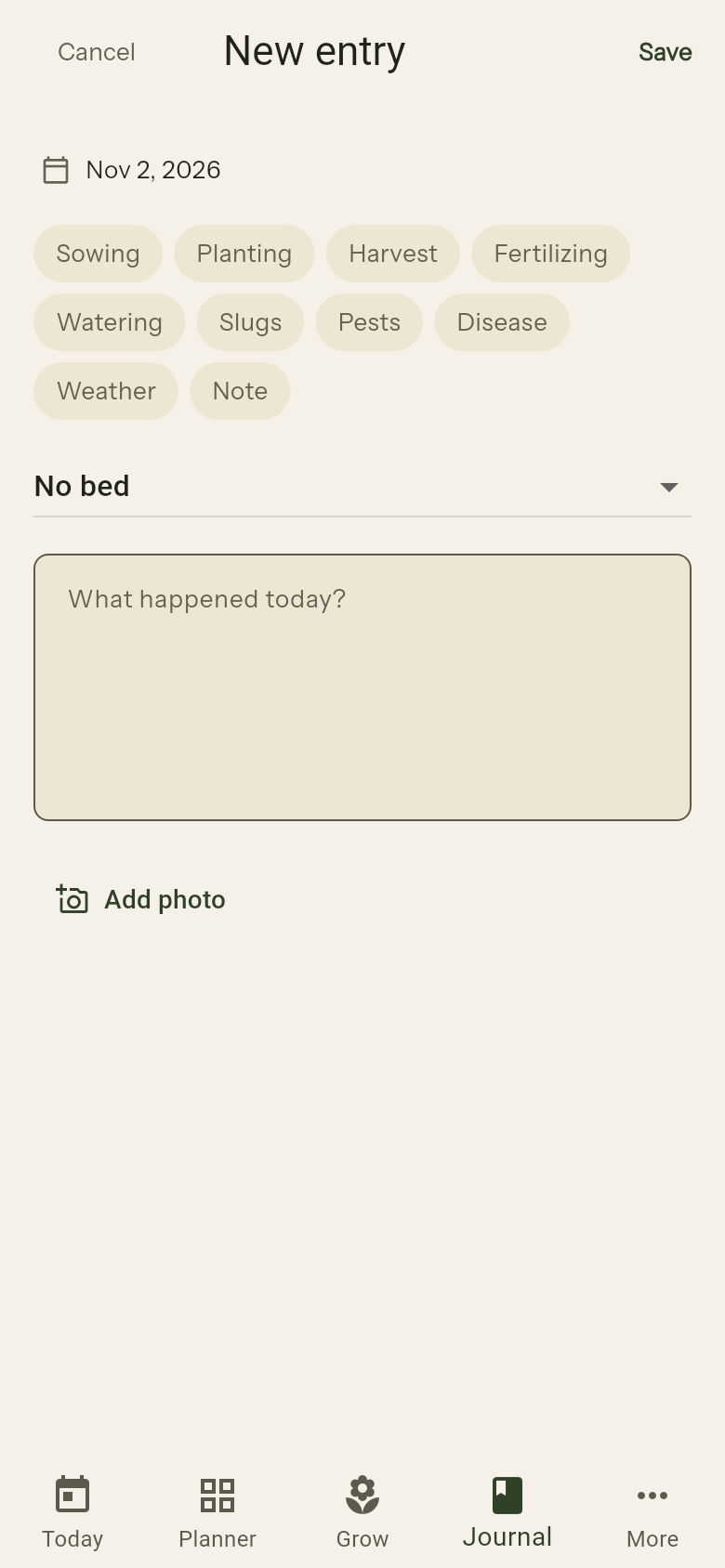
Tap + to write a new entry. Fill in:
- Tag — what kind of event this is (see below)
- Bed — optionally link to a specific bed
- Date — defaults to today; tap to change
- Note — what happened
- Photos — tap the camera icon to attach photos from your library or take a new one
Tags
| Tag | When to use |
|---|---|
| Sowing | Sowing seeds |
| Planting | Setting out seedlings or young plants |
| Harvest | Recording a harvest |
| Fertilizing | Fertilizer applications |
| Watering | Manual watering records |
| Slugs | Slug sightings and what you did about them |
| Pests | Pest sightings and control |
| Disease | Plant diseases you notice |
| Weather | Frost, storms, heat or other weather events |
| Note | Anything that doesn't fit the tags above |
Filtering
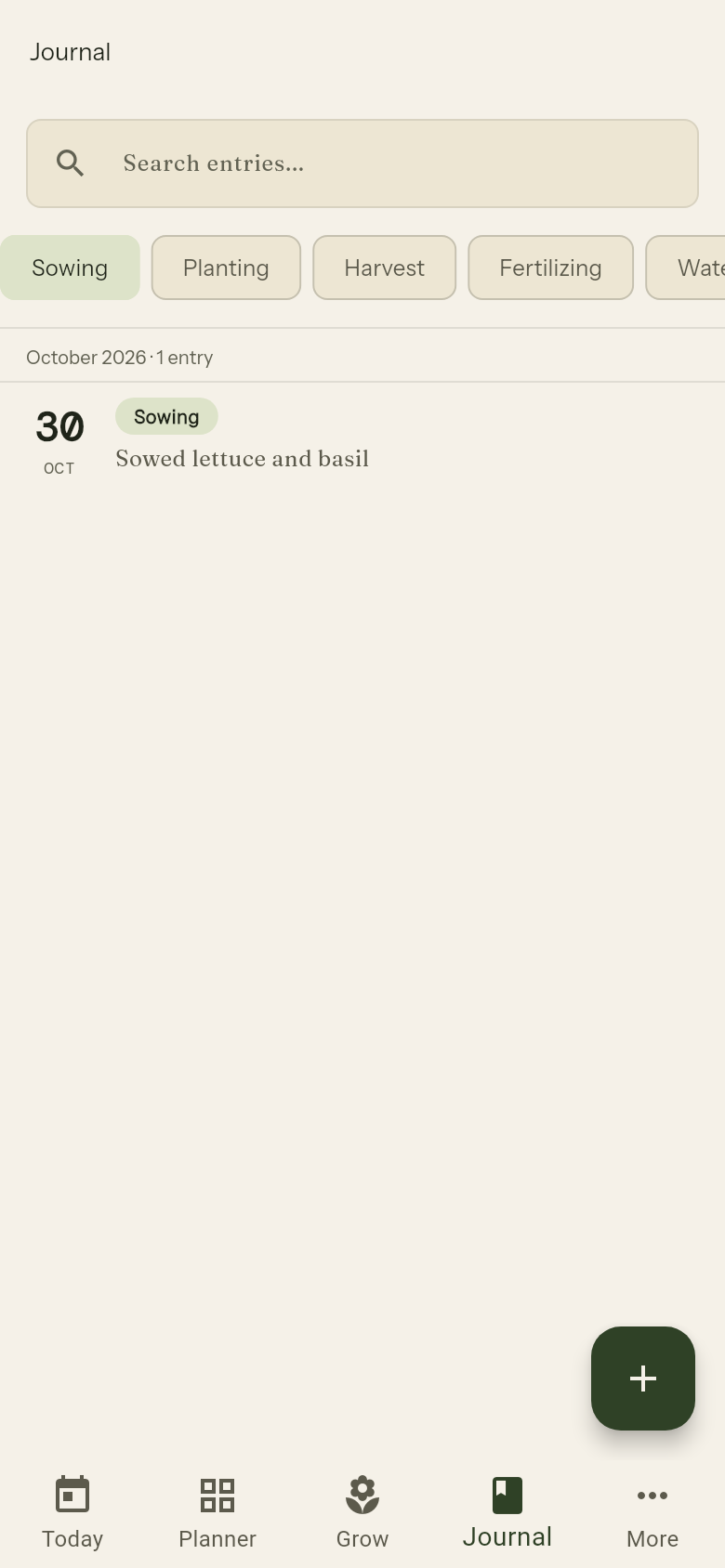
Use the tag chips at the top of the Journal screen to show only entries with a specific tag. Tap a chip to filter; tap again to clear it.
You can also filter by bed using the bed selector at the top. Tag and bed filters can be combined — for example, show only Pests entries in the North Bed.
Use the search bar to find entries by keyword.
Automatic entries
The following actions create journal entries automatically:
| Action | Entry created |
|---|---|
| Add planting (from Planner) | "Sowed 3× Tomato in Veggie Bed." |
| Complete watering round | Watering entry for each bed watered |
| Complete harvest round | Harvest entry with amount |
| End planting — harvested | "Harvested Tomato from Veggie Bed." |
| End planting — died | "Lost Tomato in Veggie Bed." |
| End planting — pulled | "Pulled Tomato from Veggie Bed." |
| Log fertilizer | Fertilizer entry with the materials you picked (and NPK values, if entered) |
Photos
You can attach multiple photos to any journal entry. Photos are stored on your device. Tap a photo in an entry to view it full-screen; swipe to browse if there are multiple.